






From the live overview to the finished export


Live guest count and status overview

Live guest count & status overview

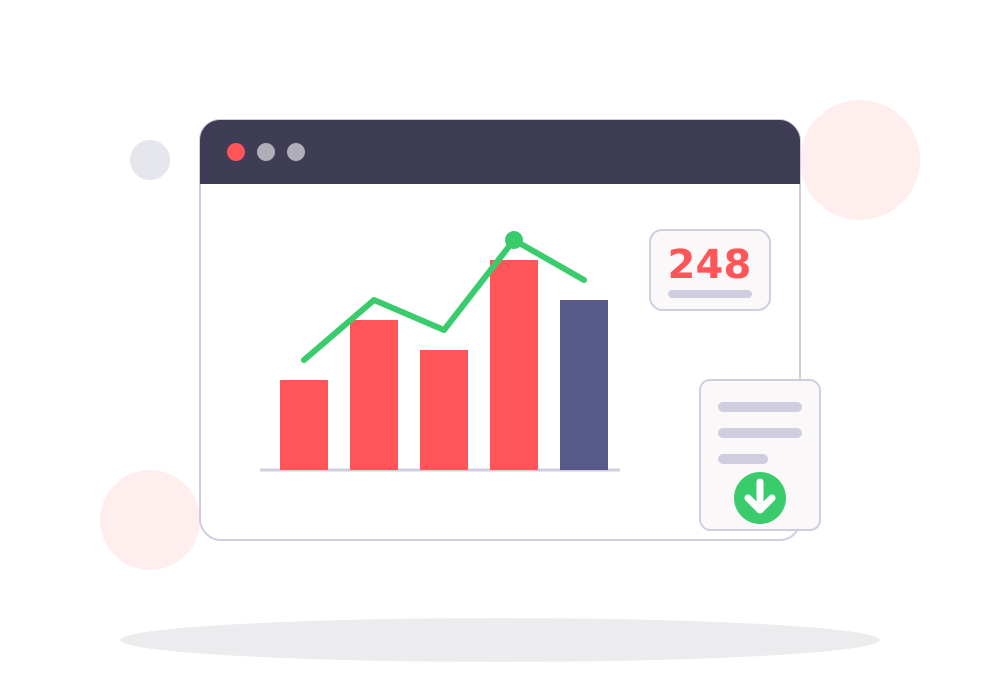
See at any time, in real time, how many guests have registered and how many have already checked in. The status of each registration—registered, unconfirmed, or canceled—is immediately visible at a glance, including all companions.

Excel and PDF Export

Excel & PDF Export

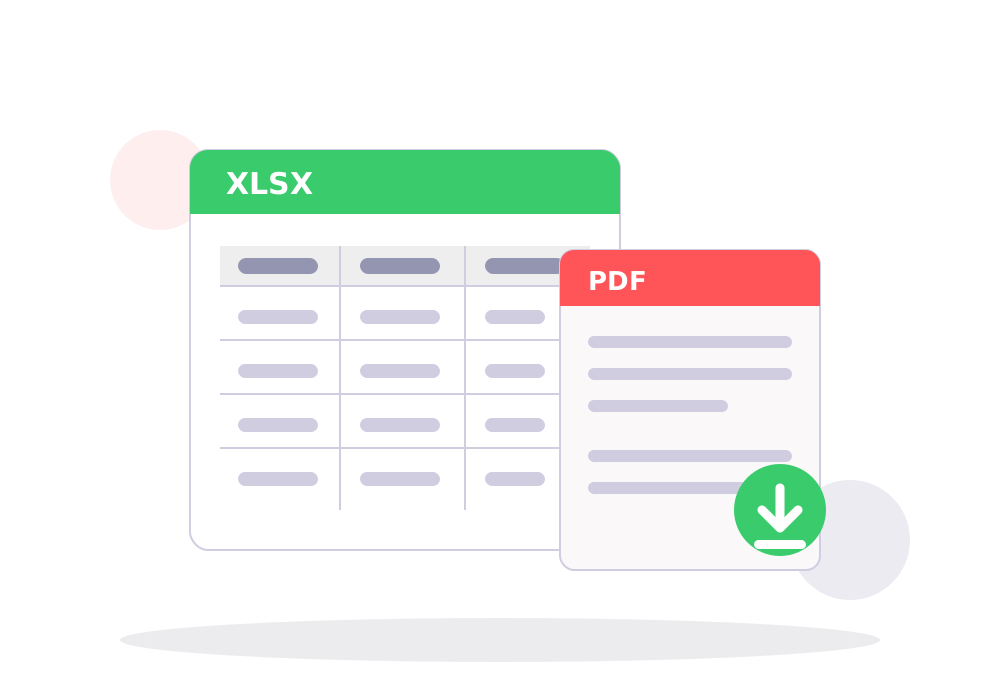
Export your guest lists with a single click as an Excel spreadsheet (XLSX) for further processing or as a print-ready PDF list for the reception desk. You choose which fields to export.

What You Really Learn About Your Audience

As soon as you organize multiple events via Signuplinks, your dashboard analyzes them collectively. These analyses look beyond individual events and consider all events in your account—the more events you host, the more meaningful they become.


Sample visualization: Registration history comparison
Registration history comparison Your daily registrations compared to the average registration curve of all other events in your account—day by day up to the event date. This lets you see if your event is filling up faster or slower than usual, so you can react in time—for example, with a reminder or a waitlist.

Everything you need after the event

All analytics and export functions are included in every sign-up link—at no extra cost.


Live Guest Count See in real time at any time how many guests have registered and already checked in
Status overview Each registration shows its status – registered, unconfirmed, or canceled
Excel Export (XLSX) Export your guest lists as Excel spreadsheets for further processing
PDF Guest Lists Create print-ready PDF lists of your guests – ideal for on-site reception
Export Log Every export is logged – so you can keep track of everything for traceability
Search & Filter Quickly find individual guests and work with your data in a targeted manner
Companion Count Companions are automatically counted and included in all reports

Frequently Asked Questions


In which formats can I export my guest list?

You can export your data either as an Excel spreadsheet (XLSX) for further processing or as a print-ready PDF guest list.

Are companions included in the count?

Yes. Companions are automatically recorded and included in the live guest count as well as in all exports.

Can I keep track of my exports?

Yes. Every export is logged, so you can always see which lists were created and when.

What kind of reports do I get beyond individual events?

As soon as you host multiple events on Signuplink, your dashboard automatically compares them: Registration history comparisons, returning guests and regulars, the growth of your unique guests, and the long-term guest retention of your event series.

Do I need multiple events for the analytics to be worthwhile?

The live overview and export feature work starting with your first event. Account-wide analytics—such as registration history comparisons, regular guests, and long-term guest retention—become more meaningful the more events you organize via Signuplink.

Analyze your next event

Create your free sign-up link now and keep track of everything from the first registration to the export.


Create sign-up link now